Lekh AI
Pro
The complete on-device AI studio for your Mac. Generate images, videos, and music; run local LLMs; transcribe audio; benchmark models; and convert Hugging Face models to MLX, GGUF, or JANG. No cloud, no API keys. Now shipping an Agentic Web Browser with research mode, MCP server integrations, and a hosted web chat that follows you everywhere.
Agentic Web Browser
Let AI drive the browser for you with guided research mode, inline summarization, and action plans.
Research Mode Agent
Spin up deep dives with multi-step reasoning, citations, and exportable briefs.
Hosted Web Chat
Secure browser-based chat that syncs with your desktop workspace in real time.
MCP Servers
Connect modular MCP servers for data, automations, and custom domain tooling.
What’s new in Lekh AI Pro 8.0
The 8.0 release supercharges your agentic workflows with an autonomous browser, deep model integrations, sharper creative tools, and polish across every surface.
New orchestration features
Agentic Workspace
- AI-powered web browser with Agent Mode for autonomous research
- Knowledge Base chats that ground responses in your saved sources
- Web-hosted chat client synced with your desktop workspace
- Tool calling and modular MCP servers for custom automations
Connect to the models you need
Deep Integrations
- Native OpenAI, Anthropic, DeepSeek, and Gemini integrations
- In-chat image generation via Flux, Stable Diffusion, SDXL, custom safetensors, and OpenAI image models
Sharper editing & control
Creative Tools
- New background remover for instant subject isolation
- New object remover to clean up any shot without Photoshop
- Deprecated the legacy Qwen image edit workflow in favor of modern pipelines
Polish across the board
Quality & Localization
- Qwen 3.6 GGUF bug fix for reliable deployments
- Performance improvements and stability fixes across the app
- Updated Czech, Arabic, and French localizations
- Editable pre-built personas for faster team onboarding
Everything in One App
Lekh AI Pro includes every local AI tool unrestricted: private AI chat, offline content creation, model conversion, benchmarking, STT, TTS, RAG, and creative generation.
Agentic Web Browser
Browse the web inside Lekh AI with an autonomous agent that can investigate, summarize, and take action in research mode.
Research Mode Agent
Spin up focused investigations with multi-step reasoning, citations, and document-style reports generated automatically.
Web Hosted Chat
Access Lekh AI Pro from any browser with a secure hosted chat experience synced to your desktop workspace.
MCP Server Integrations
Connect to modular MCP servers for data sources, tools, and automations that expand what your local AI agents can do.
Flux Image Generation
State-of-the-art Flux models for stunning AI image creation directly on your Mac
LTX 2.3 Video Generation
Generate AI videos from text or images with LTX 2.3. Up to 1024×768 with synchronized audio, all on-device
On-Device AI Chat
Private conversations with 1000+ language models running entirely on your Mac
AI Image Editing
Inpainting with Flux plus new background and object removers. Erase, modify, and transform images on-device
Text-to-Speech
Natural voices with Kokoro, Chatterbox TTS, MOSS TTS, and Qwen3 TTS. Create audiobooks from any document
Audiobooks
Import, read, and interact with PDFs and EPUBs using AI-powered comprehension
Image Upscaling
4x AI upscaling with RealESRGAN. Enhance any image to stunning resolution
Knowledge Hub
RAG-powered document retrieval. Build personal knowledge bases with vector search
WhisperKit STT
Accurate speech-to-text powered by WhisperKit. Transcribe audio locally with Apple Silicon acceleration
ACE-Step Music Generation
Generate full songs with vocals and instruments using ACE-Step 1.5 XL. Text-to-music, entirely on-device
Safetensor Pipeline
Load custom SD and SDXL safetensor models with LoRA support. Full control over your image generation pipeline
Model Converter
Convert Hugging Face models to MLX, GGUF, or JANG format directly in-app. Custom quantization with one click
Benchmarking
Measure tokens per second, time to first token, and memory usage. Compare models side by side
See Lekh AI Pro in Action
One native Mac app for chat, browsing, image editing, video generation, and more - all running locally on Apple Silicon.
AI Chat
Private on-device conversations with 1000+ language models.
Agentic Browser
Browse the web with an AI agent that researches, summarizes, and takes action.
Personas
Shape how the model responds with built-in and custom personas.
Image Generation
Generate stunning images with Flux models - entirely on your Mac.
Background Remover
Lift any subject from its background with edge-aware on-device matting.
LTX2 Video Studio
Craft cinematic videos from text, images, or audio - all locally.
Image Edit
Restyle, swap backgrounds, and transform images with Flux edit models.
Audiobook Studio
Import books and convert them to private, on-device audiobooks.
Music Generation
Compose full tracks from text prompts with ACE-Step - mood, tempo, and lyrics.
Kokoro TTS
Studio-grade speech synthesis with multiple voices and speed controls.
Moss TTS
Generate speech, sound effects, and voice clones with MOSS models.
Chatterbox TTS
Multilingual zero-shot voice cloning across 23 languages.
Qwen TTS
Preset speakers, style instructions, and multilingual voice control.
MCP Servers
Connect GitHub, NetSuite, Notion, Slack, and more to your AI agents.
Model Converter
Convert Hugging Face models to MLX, GGUF, or JANG with custom quantization.
Created with Lekh AI Pro
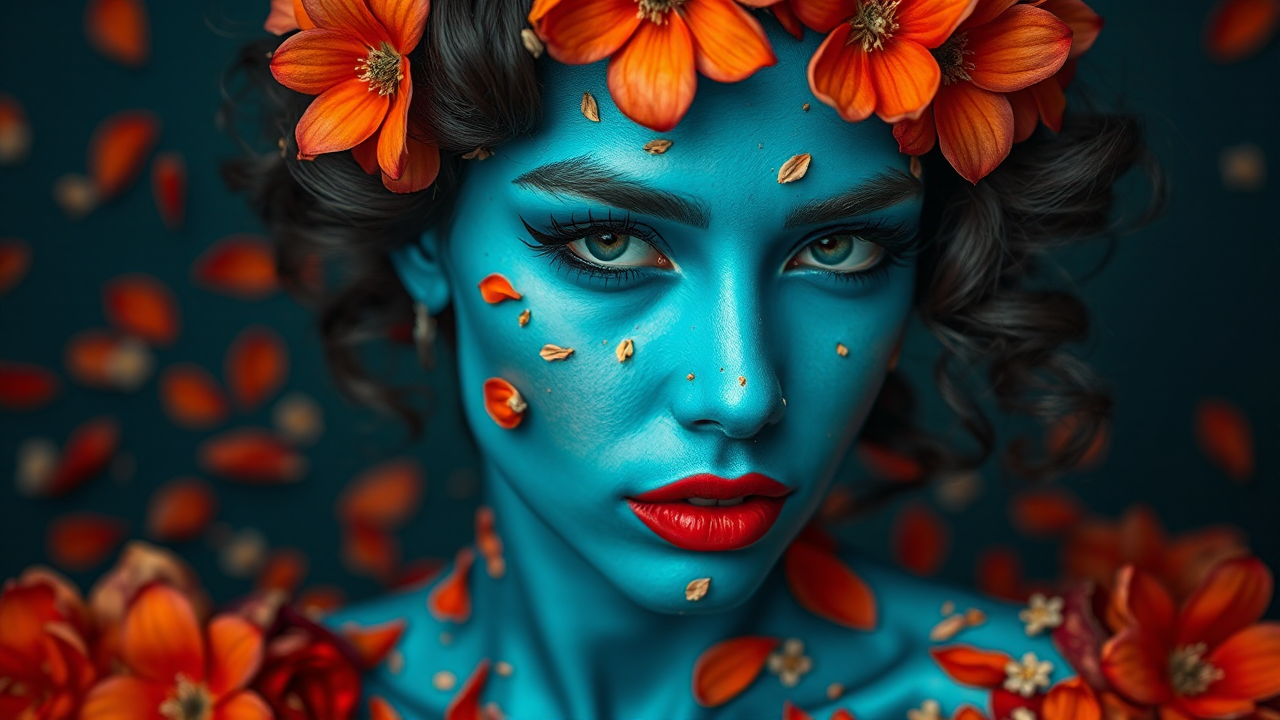
All images generated entirely on-device using Flux models. Videos powered by LTX 2.3. No cloud, no limits.
Image to Video
Turn any image into a video with LTX 2.3. All processing happens locally on your Mac.
AI Music Generation
Generate full songs with vocals and instruments using ACE-Step 1.5 XL. All on your Mac, no cloud required.
Demo Track 1
Generated with ACE-Step 1.5 XL
Demo Track 2
Generated with ACE-Step 1.5 XL
Convert & Benchmark
Convert any Hugging Face model and benchmark local AI performance - all built into the app.
Model Converter
Convert any Hugging Face model to MLX, GGUF, or JANG format directly in-app. Choose your quantization level, hit convert, and start chatting - no terminal needed.
Benchmarking
Measure tokens per second, time to first token, and peak memory usage. Compare models head-to-head to find the best fit for your hardware.
Benchmarking in Action
Why Pro?
🎨 Flux Models
Generate stunning images with Flux Dev, Flux Schnell, and Flux2 Klein models. Not available in the App Store version due to platform restrictions.
🎬 LTX 2.3 Video
Generate AI videos from text or images with LTX 2.3. Up to 1024×768 with synchronized audio - all running locally on your Apple Silicon Mac. Compare local video tools.
🎵 ACE-Step Music
Generate full songs with vocals and instruments using ACE-Step 1.5 XL. Text-to-music in 50+ languages, running entirely on your Mac.
🔓 No Sandbox
Direct distribution means no App Store sandbox restrictions. Full system access for running mflux and other advanced AI tools natively.
⚡ Same Great App
AI chat, image generation, video generation, music generation, TTS, knowledge hub, translation, upscaling - plus Pro-exclusive features. Mac only.
🔒 Still Private
100% on-device processing. No data ever leaves your Mac. Your conversations, images, videos, music, and documents stay completely private.
Get Lekh AI Pro
One-time purchase. No subscription. Yours forever.
Purchase your license below via secure Stripe checkout.
After payment, your license file downloads instantly.
Download the app, open it, and enter your email and license key. That's it.
Secure checkout powered by Stripe · Requires macOS 15+ & Apple Silicon
Note: Lekh AI Pro is a Mac-only purchase. The iOS app is available separately on the App Store.
Already purchased? Open the app and enter your email and license key.