Best Local AI Video Generation Tools in 2026 (Mac + GPU)
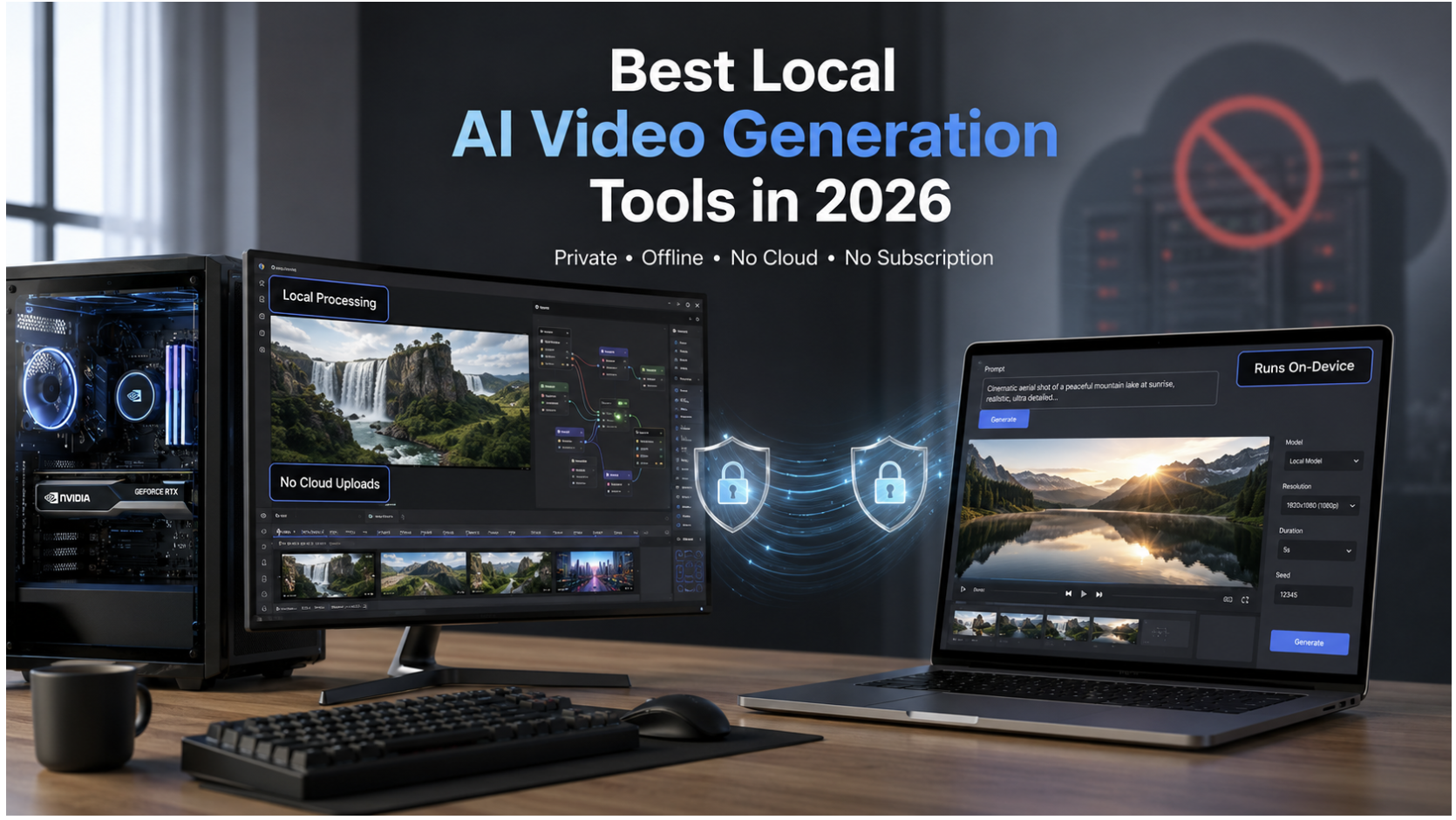
The best local AI video generation tools in 2026 fall into two camps: open-source models like Wan 2.7 and LTX-2.3 that you self-host through ComfyUI on a GPU rig, and on-device apps like Lekh AI Pro that run a local video model natively on your Mac with no GPU shopping, no node graphs, and no cloud bill.
Both keep your prompts and footage off other people's servers. Which one fits you depends entirely on whether you already own a 16GB+ VRAM GPU or you'd rather skip the setup and generate on Apple Silicon instead.
This guide breaks down every real local AI video generation tool worth using right now, what hardware each one actually needs, and where the on-device route saves you a weekend of troubleshooting. For the broader privacy and cost picture, see our local AI vs cloud AI comparison.
Quick Comparison: Local AI Video Generation Tools
| Tool | Hosting | Hardware Needed | Best For |
|---|---|---|---|
| Lekh AI Pro | On-device app | Apple Silicon Mac, 16GB+ RAM | No-setup local video on Mac |
| LTX-2.3 (ComfyUI) | Self-hosted | 16–32GB VRAM GPU | Custom node workflows, 4K + audio |
| Wan 2.7 | Self-hosted | 24GB+ VRAM GPU | Motion realism, character consistency |
| HunyuanVideo 1.5 | Self-hosted | 14GB+ VRAM GPU | Fast renders on a single RTX 4090 |
| Stable Video Diffusion | Self-hosted | 8–12GB VRAM GPU | Lightweight stylized clips |
Self-Hosted Open Source Video Models (GPU Required)
If you already own a desktop with a dedicated NVIDIA GPU, running an open-source video model through ComfyUI gives you the most creative control of any option on this list. You're not limited by someone else's credit system, watermark policy, or daily generation cap. The tradeoff is setup time and VRAM.
Wan 2.7
Wan 2.7, built by Alibaba's Tongyi team, is one of the strongest fully open video models for self-hosting. It handles character consistency and natural movement noticeably better than older open-weight releases, historically the biggest weakness in local video models.
Running it locally means installing ComfyUI, adding the WanVideoWrapper custom node package, and downloading 20–30GB of model weights. The 14B model wants 24GB+ VRAM for smooth 720p output; a smaller 1.3B variant exists for testing, but the quality gap is wide enough that most people upgrade to the 14B model anyway. A 5-second 720p clip on a 24GB card typically renders in a few minutes once the pipeline is set up correctly.
LTX-2.3
LTX-2.3, from Lightricks, is the open-weight model built for speed without sacrificing too much output quality. It supports native audio generation and runs through the same ComfyUI ecosystem, using the Gemma 3 text encoder instead of the T5-XXL encoder Wan relies on.
Hardware-wise, it's more forgiving than Wan: a distilled FP8 checkpoint runs on 16GB cards, while the full-precision build wants 32GB+. The model also enforces strict resolution and frame-count rules, dimensions divisible by 32, and frame counts following an 8n+1 pattern, which trips up many first-time installs. Get the file placement right, and generation is fast relative to most models in this class.
HunyuanVideo 1.5
Tencent trimmed HunyuanVideo from 13 billion to 8.3 billion parameters in its 1.5 release, and the result now fits on a single RTX 4090 with offloading enabled, rendering a clip in under two minutes. It's one of the better choices if fast iteration matters more than maximum fidelity.
Stable Video Diffusion (via ComfyUI)
For lower-VRAM setups, Stable Video Diffusion is still the most accessible entry point. It produces shorter, more stylized clips rather than long cinematic shots, but runs on GPUs as low as 8–12GB, and its ComfyUI ecosystem of custom nodes, workflows, and LoRA support is the most mature of any open video model.
The Problem With Self-Hosted Local Video Generation
Every model above works. None of them is simple. A realistic self-hosted setup means owning a GPU with at least 16–24GB of VRAM, installing ComfyUI plus Python, CUDA drivers, and model-specific custom nodes, downloading 20–30GB model files into exact folder paths, and debugging red error nodes or out-of-memory crashes before your first successful render.
That's a real cost before counting electricity or the GPU itself, and for Mac users, it's often a dead end, since most of these workflows assume an NVIDIA card and Apple Silicon support through ComfyUI remains inconsistent at best. If you're on Apple Silicon and want a simpler path for creative AI, see our guides on running Stable Diffusion on Mac for images and the on-device video option below.
On-Device Local Video Generation for Mac: Lekh AI Pro
If you're on a Mac and want local AI video generation without buying a GPU rig or learning ComfyUI's node graph, Lekh AI Pro runs LTX 2.3 natively on Apple Silicon, packaged as a normal Mac app rather than a developer toolchain.
The practical difference is what you skip entirely: no GPU to buy or rent, since generation runs on the M-series chip already in your Mac; no ComfyUI install, custom node packages, or manually placed checkpoint files; and no cloud account, per-second billing, or watermark. Text-to-video and image-to-video both render at up to 1024×768 with synchronized audio.
This isn't a watered-down version of the open-weight model; it's the same LTX 2.3 architecture covered above, running through a one-time purchase app instead of a self-managed pipeline. You open the app, type a prompt or drop in a reference image, and the video generates entirely on-device, the same way Lekh AI's local image generation and chat features already work. For a full tour of the creative suite, read our Lekh AI Pro local AI creative studio guide.
It runs on any Apple Silicon Mac (M1 through M5) with 8GB of RAM as a baseline, though 16GB is recommended for longer generations, a far lower bar than the 16–32GB of dedicated VRAM the self-hosted models above expect, since there's no separate GPU requirement at all. For anyone evaluating what their Mac can actually run locally across chat, image, and video, see our guide on how much RAM you need for local AI and how to run AI models locally on Mac.
Local AI Video Generators vs. Cloud Tools: What You're Trading
Cloud platforms like Runway, Kling, or Veo will generally outperform any local setup on raw output quality today; they're running models with parameter counts and training budgets no consumer GPU or laptop chip can match. That gap is real and worth being honest about.
What you give up by choosing cloud is the thing local video generation exists to protect: every prompt, reference image, and generated clip passes through someone else's servers, subject to their retention policy and terms of service. For commercial work or brand assets, that's not a small tradeoff; it's the same reasoning behind choosing privacy-first AI tools generally over cloud equivalents: control and privacy over the absolute ceiling of model quality.
No-Watermark, No-Subscription AI Video Generation
A recurring search behind "local AI video generator" is really a search for two specific things: no watermark and no recurring subscription. Self-hosted open models satisfy both once setup is done, since no vendor is metering your generations. Lekh AI Pro satisfies both in the same way: a one-time purchase with no per-video credit system and no watermark, because there's no cloud render to meter in the first place.
How to Choose the Right Local AI Video Generation Tool
You own a 16GB+ VRAM NVIDIA GPU and want maximum control: Self-host LTX-2.3 or Wan 2.7 through ComfyUI for the deepest customization, LoRAs, custom samplers, and motion control, at the cost of setup time.
You're on a Mac and don't want to manage a GPU pipeline: Lekh AI Pro is the more direct path. LTX 2.3 runs the same way it would through ComfyUI, minus the node graph and driver troubleshooting.
You have neither a powerful GPU nor a Mac: A cloud tool's free tier gets you there fastest, with the tradeoff that your prompt and clip aren't staying private. Our local vs cloud comparison walks through that tradeoff in detail.
You're testing prompts before a longer render: Self-hosted setups let you run smaller distilled checkpoints for fast iteration, then switch to the full model for a final pass.
Frequently Asked Questions
What is the best AI video generator for 2026?
It depends on whether quality, privacy, or hardware is your priority. Cloud models like Veo 3.1 and Seedance 2.0 currently lead public benchmarks on raw quality. For local, privacy-respecting generation, Wan 2.7 and LTX-2.3 are the strongest open-source options with a capable GPU, and Lekh AI Pro is the most accessible option for Mac users who want local video generation without one.
Which type of AI videos are now trending in 2026?
Multi-shot, character-consistent sequences are the dominant trend, where the same subject holds its identity across several generated clips rather than one isolated shot. Native audio generated directly alongside the video, plus image-to-video workflows that animate a single reference photo, are also seeing heavy adoption across both cloud and local tools.
How to start making AI videos in 2026?
Decide your priority first. For maximum quality without concern over where prompts go, start with a free-tier cloud tool. If privacy or cost matters more, check your hardware: a 16GB+ VRAM GPU opens up self-hosted models through ComfyUI, while a Mac can run LTX 2.3 locally through Lekh AI Pro with no GPU setup at all.
What is the most popular AI in 2026?
For general-purpose AI, large language models like GPT, Claude, and Gemini remain the most widely used category. Within video generation specifically, cloud models like Veo and Kling lead in volume of use, while Wan and LTX lead the open-source, self-hosted segment.
Can local AI video generators run without a GPU?
Most self-hosted open-weight models need a dedicated GPU with at least 8–16GB of VRAM. The exception is on-device apps built for Apple Silicon, where the Mac's unified memory architecture handles generation without a separate graphics card, which is how Lekh AI Pro runs LTX 2.3 video generation on a standard M-series Mac.
Is local AI video generation actually private?
Yes, as long as the model runs entirely on your own hardware with no API call leaving the device. Both self-hosted ComfyUI workflows and on-device apps like Lekh AI Pro qualify, since neither sends prompts or output to an external server, the same privacy-first approach Lekh AI applies across its chat, image, and video features. See also: how to use AI without internet on Mac.
Which Local Video Setup Fits You?
Every tool in this guide produces real, usable AI video without sending a single prompt to the cloud. The decision isn't really about which model is "best", Wan, LTX-2.3, and HunyuanVideo are all capable when self-hosted correctly. It's about which hardware you already have and how much setup time you're willing to trade for control.
A 24GB+ GPU and a free weekend get you the deepest customization through ComfyUI. A Mac with Lekh AI Pro gets you the same LTX 2.3 model with none of that setup, just local, private, on-device video generation from the first launch.
Ready to generate video locally? Get Lekh AI Pro and run LTX 2.3 text-to-video and image-to-video on your Mac. No cloud, no watermark, no subscription.
Ready to try local AI?
Download Lekh AI and run powerful AI models on your device. Free on the App Store.
Download Lekh AI